


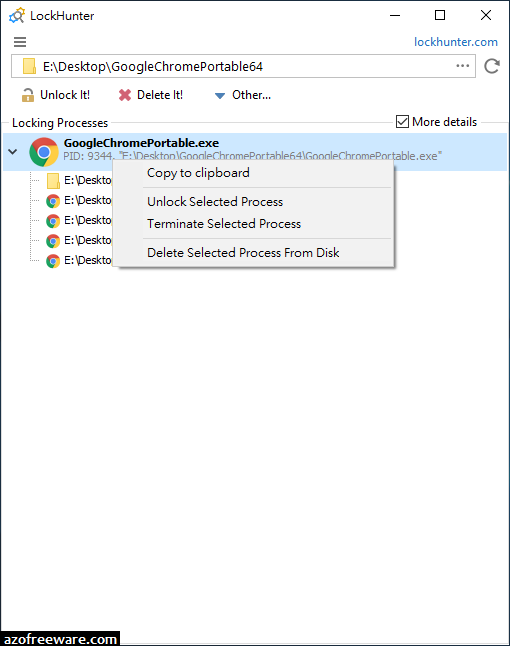

解除檔案鎖定 - LockHunter,支援32及64位元Windows作業系統,能夠幫你解決常常遇到被作業系統鎖定而無法刪除檔案的窘境,它的使用方法很簡單:右鍵按被鎖定的檔案→「What is locking this file?」→「Unlock It!」。(阿榮)
下載連結→ https://www.azofreeware.com/p/lockhunter.html
官方網站:Crystal Rich Ltd.
軟體性質:免費軟體
介面語言:英文
系統需求:Windows
關鍵字:lock hunter, 取代unlocker
It is a free tool to delete files blocked by something you do not know. LockHunter is useful for fighting against malware, and other programs that are blocking files without a reason. Unlike other similar tools it deletes files into the recycle bin so you may restore them if deleted by mistake.


